
Approval exceptionPRJ-26-041
Final file not submitted
PRJ-26-041_final.dwg
Final folder · On record
- Responsible
- Project Manager
- Review status
- Not submitted
Next action Submit for review
Immersive by AALEEN
Connect your projects, drawings, people, and approvals. Immersive gives your team one clear view of the work, from intake to delivery.
Approval exceptionPRJ-26-041
PRJ-26-041_final.dwg
Final folder · On record
Next action Submit for review
Built for MEP design, architecture, and construction companies.
01 / Project Lifecycle
Follow the quotation, first payment, assignments and approvals through to recorded delivery.
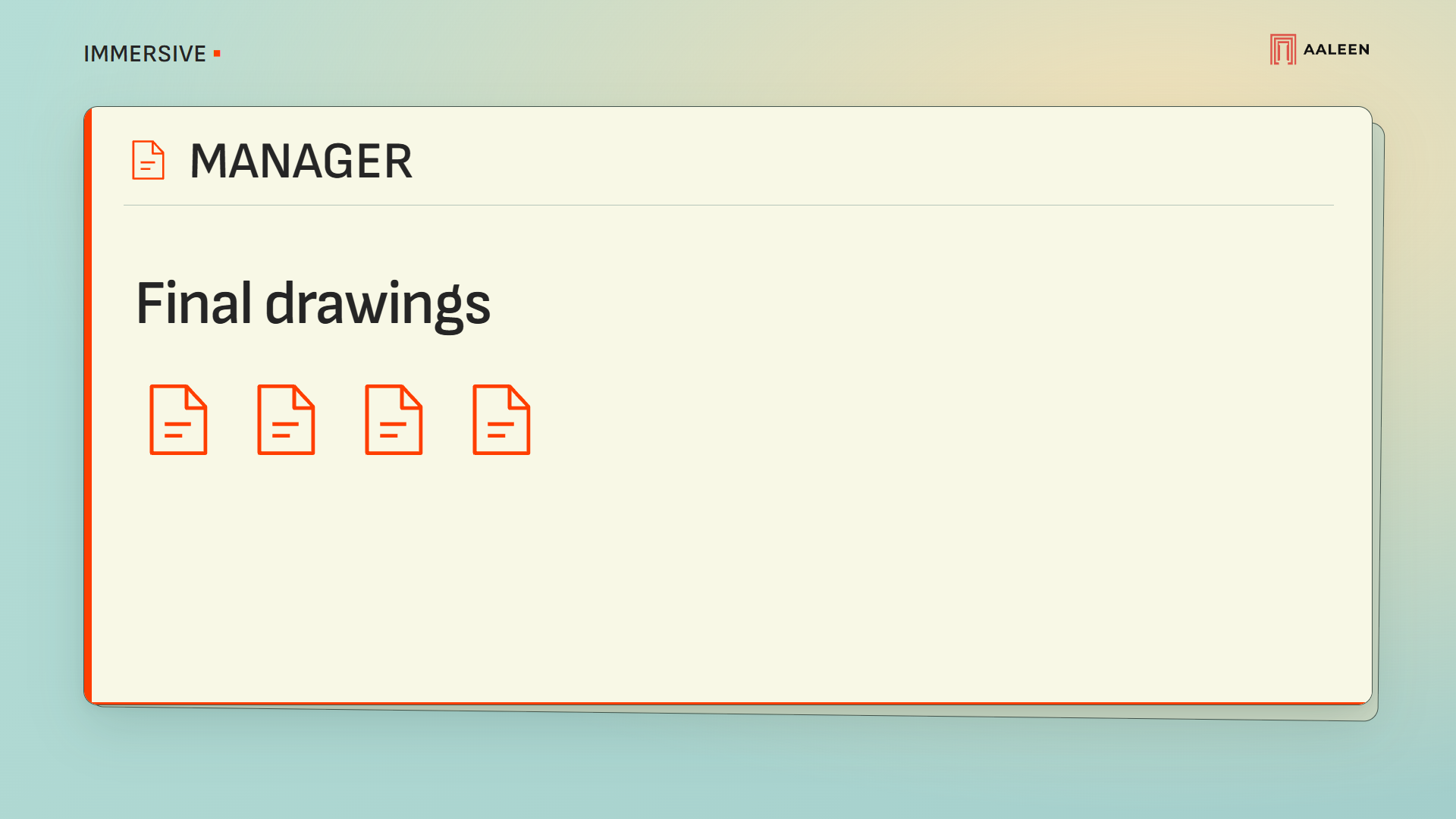
The Manager submits final drawings, the CEO authorizes printing, and Accounts records delivery. This short preview shows the closing stages of the project lifecycle.
Stage 1 / 8
Client, scope, location, project type and quotation enter one intake record.
02 / Alerts and Exception Desk
Review drawing mismatches, file events and missing approvals with the evidence and responsibility attached.
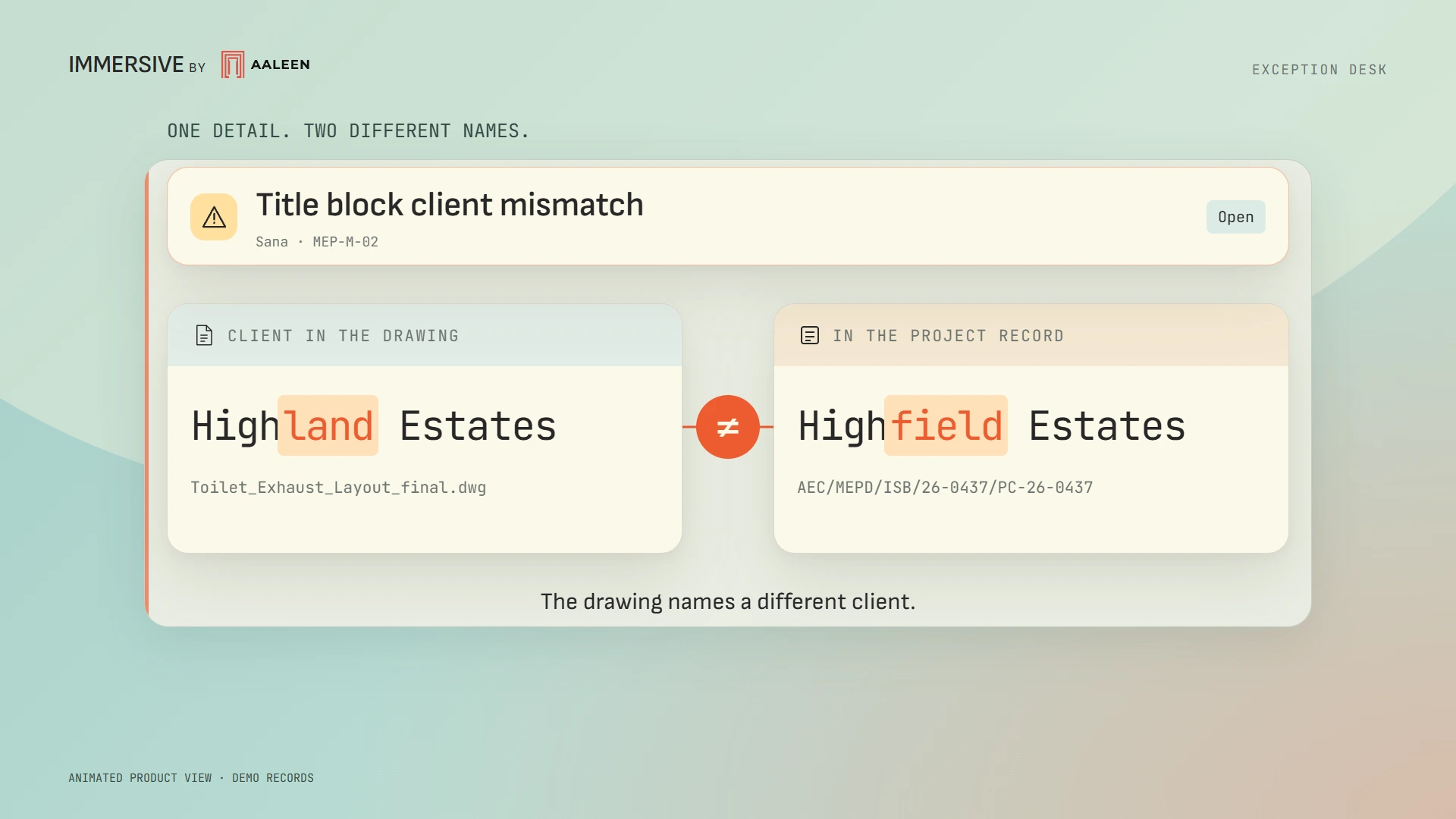
A drawing names the wrong client. The finding keeps the comparison and evidence together.
The drawing’s address differs from the registered project address.
03 / Cross-Office Coordination
Managers assign the work. Eligible references reach the assigned configured workstation automatically; supported saved changes upload centrally for authorized management to access.
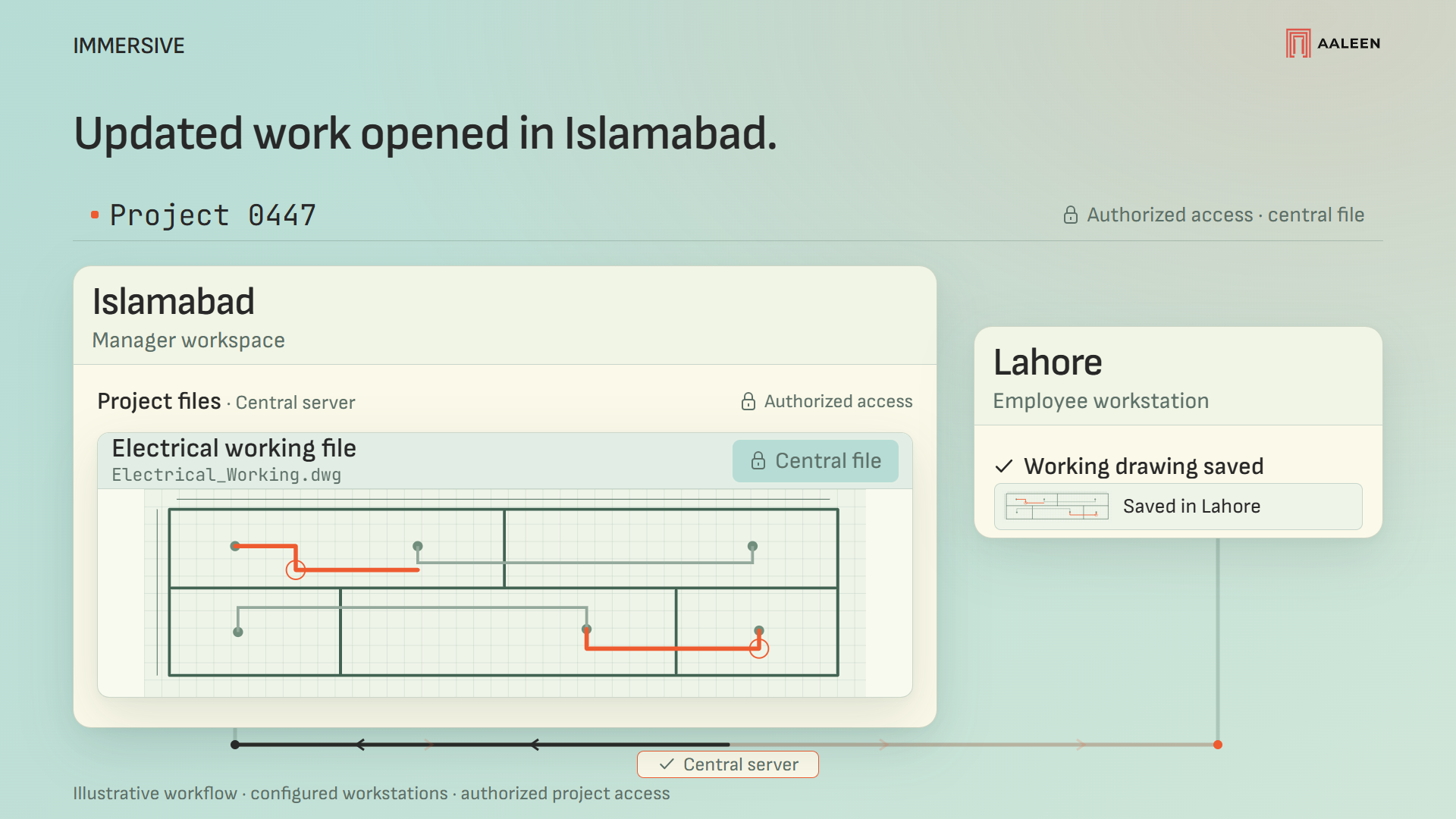
Islamabad assigns work and delivers an eligible project reference to Lahore. The saved working drawing uploads to the central record, then the Islamabad Manager opens it.
04 / Role-Based Views
Each role sees the project information and actions it is responsible for, from commercial records to delivery and system health.
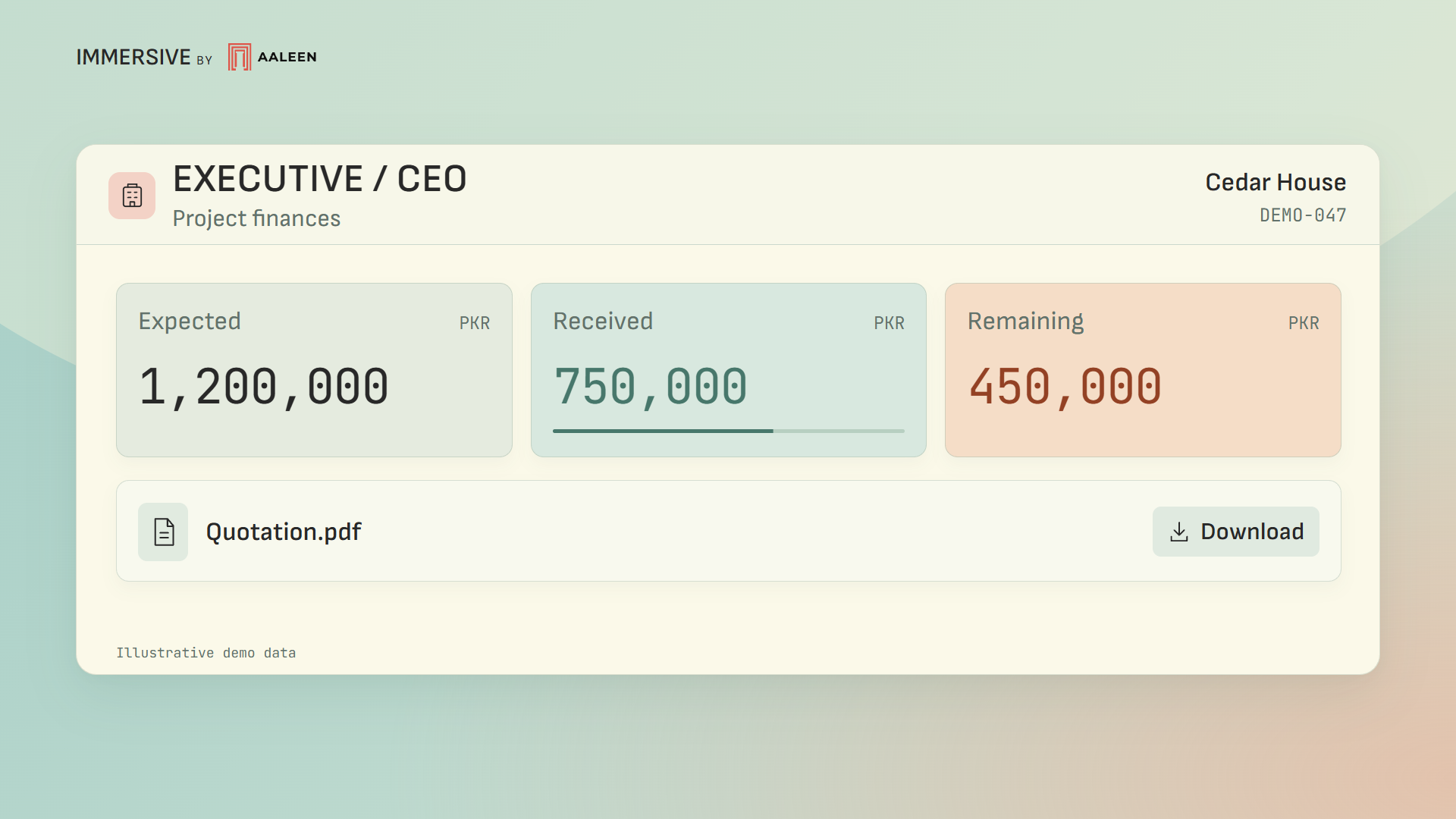
A project’s payment record, work progress and executive financial view adapt to the responsibilities of Accounts, Manager and Executive users.
Commercial towerProject 2418
Completion and print decisions need review
Interactive preview with illustrative project data.
Deployment snapshot

An MEP consultancy working across Islamabad, Rawalpindi and Lahore.
22 employees2 offices
1st floor, Plaza # 44N, Business bay Sector F, DHA, Phase-1, Islamabad, Pakistan
We'll show how Immersive can connect the process around your existing teams.
Your offices. Your people. Your process.One system around all of it.